
Smart classrooms, built around how teachers actually teach.
From a single interactive panel to a full campus rollout — Raz Infotech supplies, installs and supports classroom displays, digital podiums and lecture-capture systems for schools and colleges, backed by eight global AV brands.
The classroom display brands your school already trusts
ONE VENDOR · EIGHT PORTFOLIOS · FULL CLASSROOM AV STACK


Built for every kind of learning space
Every deployment starts with the room, not the spec sheet. Here's how we typically equip each space on campus.
Smart Classrooms
Everyday teaching spaces fitted with a touch panel for annotation, wireless casting from teacher and student devices, and lesson-saving so nothing written on the board is lost.
Computer & STEM Labs
A front-of-room display teachers can use to demo software or experiments in real time, with split-screen so reference material and live work show side by side.
Lecture Halls & Auditoriums
Large-format panels or modular LED walls sized for back-row visibility, paired with a lectern mic and speaker system so every seat gets clear audio and a readable screen.
Group Collaboration Spaces
Smaller breakout rooms and library corners with a mid-size touch panel for project work, group annotation and quick student presentations.
Hybrid & Remote Learning
Camera, mic and lecture-capture setup so a class can be streamed or recorded for absent or remote students, without asking teachers to change how they already teach.
Staff Rooms & Notice Boards
Digital signage for circulars, timetables and announcements in staff rooms, corridors and receptions — updated centrally instead of reprinted every week.
What makes a display classroom-ready
Not every touchscreen is built for a classroom. These are the features we check for before recommending any panel to a school.
Multi-Point Annotation
20-point (or higher) touch so more than one student can write on the board at the same time.
Wireless Screen Casting
Students and teachers mirror phones, tablets or laptops without hunting for the right cable.
Cloud Save & Share
Whatever's written on the board saves automatically and can be shared to students after class.
Built-In Apps & App Store
Access to education apps directly on the panel — no separate PC or streaming box required.
Classroom & Device Management
IT staff can monitor, update and lock down every panel on campus from one dashboard.
Lesson Recording & Playback
Record what's taught for absent students, revision, or hybrid classes joining remotely.
Split-Screen, Multi-User
Two or more apps or inputs side by side — reference material next to live working space.
Durable, Anti-Glare Glass
Toughened glass that resists scratches and marker damage, with anti-glare coating for bright classrooms.
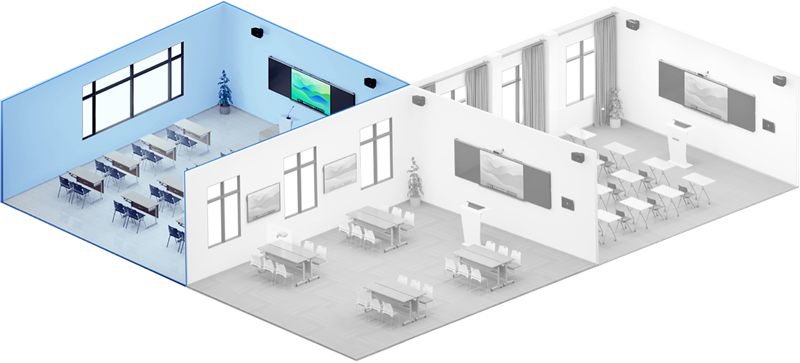
INTELLIGENT INTERACTIVE CLASSROOM
Classrooms equipped with interactive panel and Smart Blackboard, enable interactive, seminar and collaborative teaching to stimulate student creativity.
Everything a campus needs, from one supplier
Interactive panels, podiums, cameras, software and the accessories that hold it together — sourced, installed and serviced by one team, classroom by classroom.
Interactive Flat Panels
The core of any smart classroom — annotation, casting and built-in apps for daily teaching.
Digital Podiums & Lecterns
Touch-controlled lecterns with built-in camera, mic and speaker for lecture halls and auditoriums.
Lecture Capture & Cameras
Auto-framing cameras and recording kits for hybrid classes and absent-student catch-up.
LED Video Walls
Large-format modular displays for auditoriums, assembly halls and annual-day events.
Digital Signage
Notice boards, corridor displays and reception screens updated centrally, not reprinted.
Classroom & Collaboration Software
Cloud whiteboarding, wireless casting and fleet device management built for school IT teams.
Sound Bars & Classroom Audio
Even, clear audio for lecture halls and large classrooms with ceiling or array mics.
Projectors & Screens
Budget-friendly and large-throw options for halls and older classrooms not yet fitted for a flat panel.
Mounts, Stands & Accessories
Wall, mobile and motorised mounts, styli and replacement parts for every panel on campus.
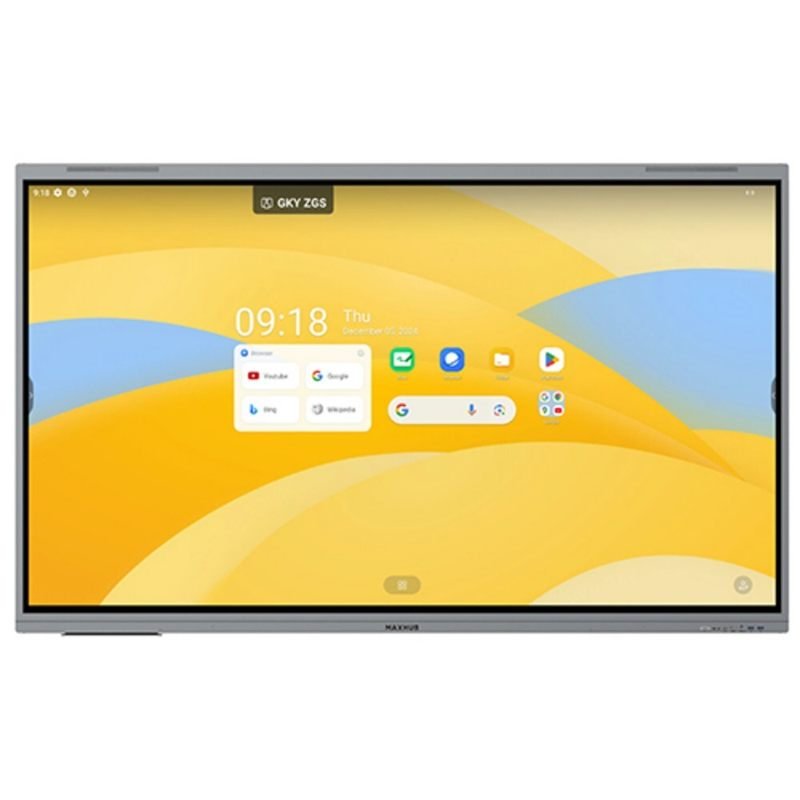
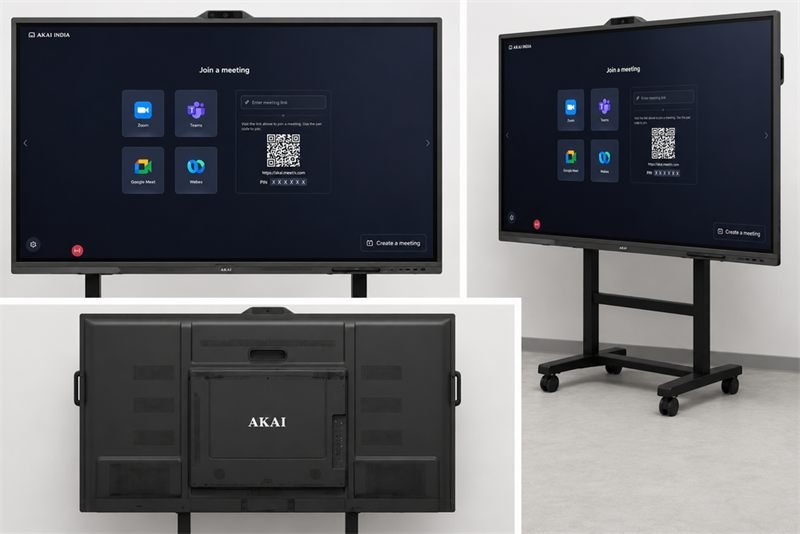
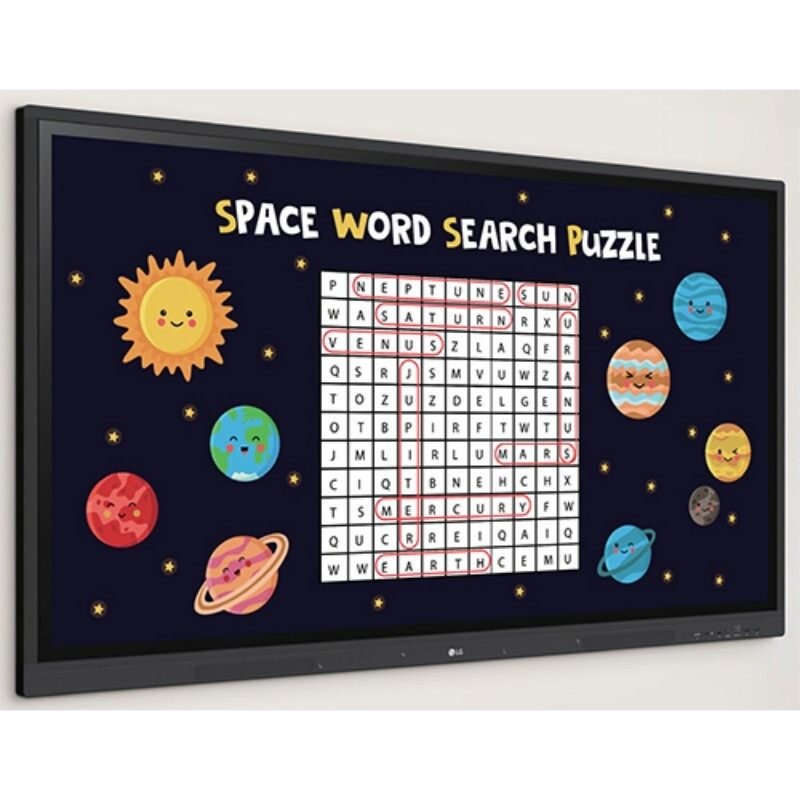
Popular in schools right now
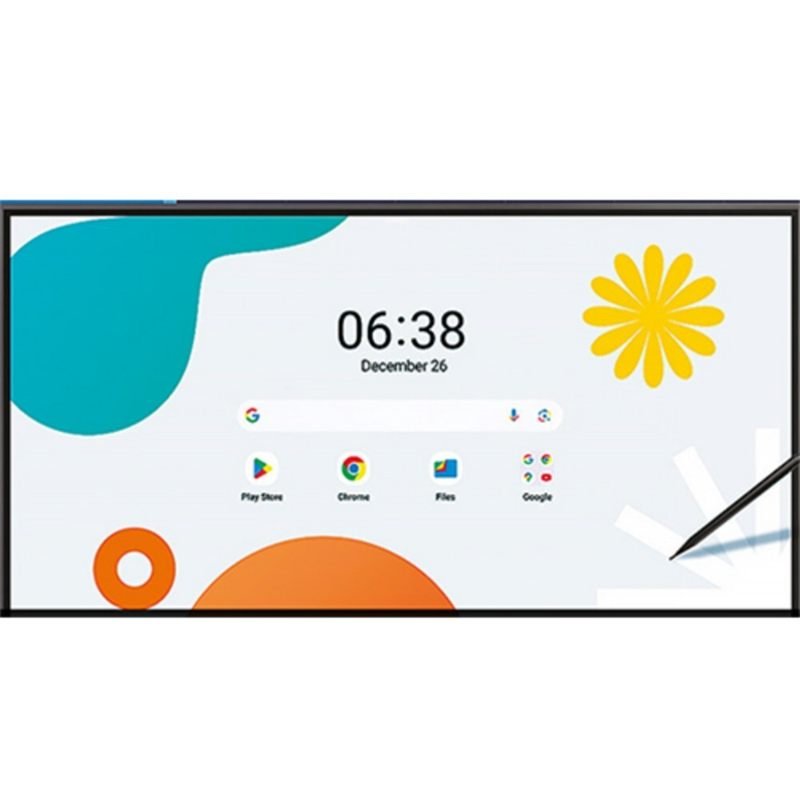
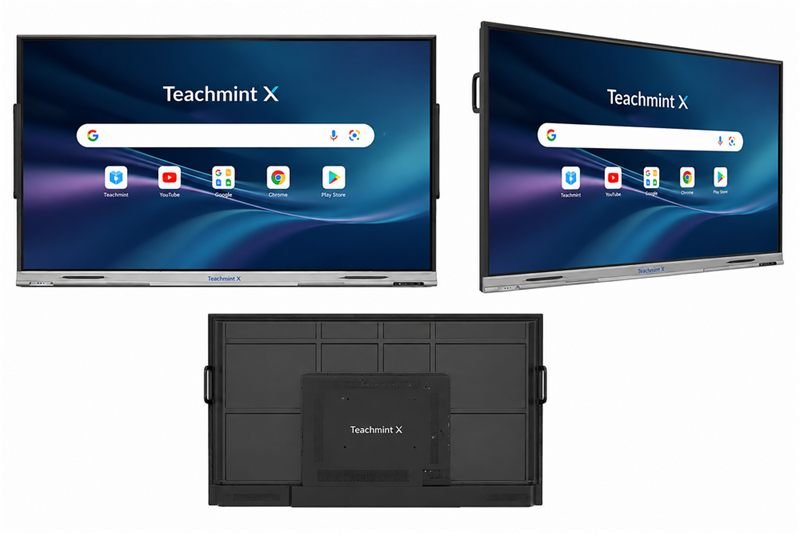
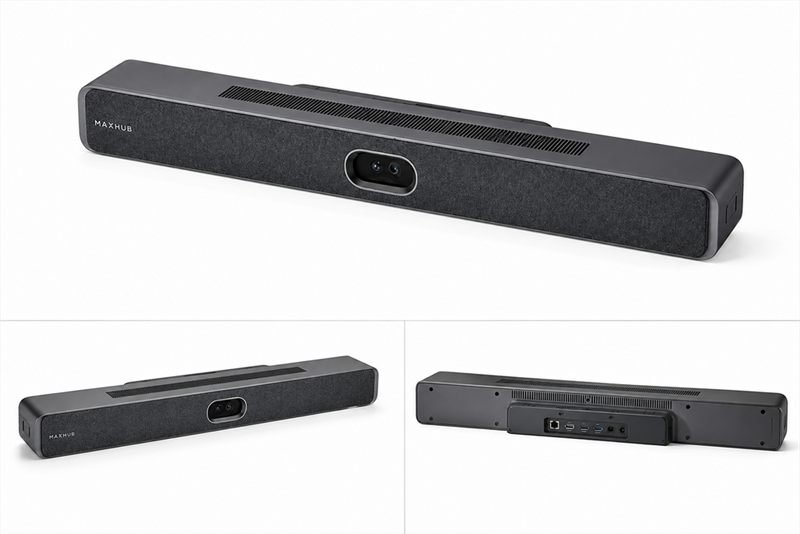
A look at the panels and podiums moving fastest into classrooms this term. Tap through for full specs, or ask us for a live demo.
One supplier, the full academic lifecycle
Buying a panel is easy. Getting forty of them installed correctly before term starts, kept under warranty, and serviced without disrupting classes — that's where most vendors fall short. Here's what stays constant with us.
Multi-Brand Expertise
Six global AV brands under one roof, so the recommendation fits your classroom and budget — not just whichever product we happen to stock.
Genuine Products, Full Warranty
Every panel is sourced through authorised brand channels, so full manufacturer warranty is honoured — not a grey-market unit.
Certified Installation
Our own technicians handle site survey, mounting, wiring and configuration across every classroom — not a generalist electrician learning on the job.
Bulk Campus Rollouts
From one pilot classroom to an entire block — we plan phased delivery and installation around your academic calendar, not the other way round.
Transparent, Tender-Ready Pricing
Itemised quotes covering hardware, installation and mounts up front — and we can format pricing for institutional tenders and procurement panels.
AMC & Term-Time Support
Annual maintenance contracts and on-call support, with servicing scheduled around vacations so classroom time is never lost.
From enquiry to a working classroom, in four steps
The same process whether it's one pilot classroom or a full campus rollout.
Consultation & Classroom Audit
Tell us your room count, screen size and budget per classroom. We assess space, viewing distance, power and network readiness.
Recommendation, Quote & Pilot Demo
We shortlist the right brand and model, set up a live demo in one classroom, and share a clear, itemised quote for the rest.
Bulk Delivery & Installation
Our team delivers, mounts and configures every panel and podium, scheduled around your academic calendar and vacations.
Teacher Training & Ongoing Support
We walk teaching staff through the software, then stay available for AMC, servicing and spare parts through the school year.
What size panel does your room actually need?
A general starting point based on room size and viewing distance — we confirm the exact fit during the site assessment.
| Room Type | Typical Room Size | Recommended Panel | Notes |
|---|---|---|---|
| Small Classroom / Breakout | Up to 20 students | 55″–65″ | Good for group work & library corners |
| Standard Classroom | 25–40 students | 65″–75″ | Most common school classroom size |
| Large Classroom / Lab | 40–60 students | 75″–86″ | STEM labs & senior-secondary rooms |
| Lecture Hall | 60–120 students | 86″–98″ | Pair with a lectern mic & speaker |
| Auditorium / Assembly Hall | 120+ seats | 98″ or modular LED wall | LED wall scales to any stage width |
Eight brands, eight different strengths
We don't push one brand across every classroom — here's roughly how schools tend to choose between them.
MAXHUB
All-RounderBroadest education range, from entry-level panels to full LED walls, with EDU-focused software and sound bars in the same ecosystem.
ViewSonic
Software-LedmyViewBoard software ecosystem is built specifically for teaching workflows — lesson planning, casting and cloud whiteboarding.
Samsung
Display QualityStrong panel and colour quality from a globally recognised name — a comfortable choice for schools that want a familiar brand.
LG
Signage RangeDeep digital-signage lineup alongside interactive boards — useful for schools also fitting out notice boards and reception screens.
Teachmint
Software + HardwareBest known for its school-management and LMS platform, now paired with classroom panels — a natural fit for schools already on Teachmint.
Epson
Projector SpecialistIndia's most established projector brand — useful where a full flat panel isn't in budget yet, or a very large screen is needed.
Hikvision
Camera & SurveillanceBest known for security cameras, now extending into classroom cameras and video walls — useful for campuses already on Hikvision for CCTV.
PeopleLink
AV IntegrationStrong in digital podiums, cameras and lecture-capture kits — the pick when a room needs more than just a panel on the wall.
From floor plan to finished classroom
A look at how a smart-classroom rollout comes together — from mapping panels across connected rooms to what the finished setup looks like in daily use.


Common questions from schools
Still deciding on brand, size or budget for your campus? Start here — or send us your requirement directly.
Do you offer bulk pricing for multiple classrooms?
Yes — pricing improves with volume, and we provide a single itemised quote covering every classroom, whether it's 5 panels or 50.
Can you supply against a school tender or procurement panel?
Yes. We can format quotes, specifications and documentation to match institutional tender and procurement requirements.
Is teacher training included with installation?
Yes — every installation includes a walkthrough of the software and features with teaching staff, not just a hardware handover.
Do you offer AMC, and does servicing happen during term time?
We offer AMC plans covering periodic servicing, spare parts and priority support, and we schedule maintenance visits around your academic calendar so classes aren't disrupted.
What network or Wi-Fi setup does a panel need?
Most features (casting, cloud save, software updates) need a stable Wi-Fi or LAN connection. We check your network readiness during the site assessment and can advise on requirements before installation.
How durable are these panels against everyday student use?
The panels we recommend for classrooms use toughened, anti-glare glass rated for daily touch and stylus use. We'll flag which models suit higher-traffic rooms during your consultation.
Can a new panel work alongside our existing projector or AV setup?
In most cases, yes — we assess your existing classroom AV during the site visit and can integrate or phase out older equipment as needed.
Can we see a live demo before committing to a full rollout?
Yes — we regularly set up a pilot classroom demo before a bulk order, so your teachers and IT team can try the panel before you commit budget to the rest of the campus.
Ready to upgrade your classrooms?
Tell us about your school, room count and budget and we'll recommend the right panels, brand mix and rollout plan — with a quote to match.